Cabinet Lock Control: Rack-Level Access Authorization in Data Centers
21 August, 2026
What Is Cabinet Lock Control?
Cabinet lock control manages the door of every rack cabinet in a data center as a separate access point. Authorization is defined per cabinet or per door. The hardware that releases the lock, reads door state and records each movement sits in the access control systems category.
A technician who passes the room door is assumed to have reached every cabinet in that room. Authorization at cabinet level removes that assumption.
Room Authorization Versus Cabinet Authorization
Room authorization answers one question: did the person enter? Cabinet authorization answers three: which cabinet was opened, who opened it, and how long it stayed open.
In colocation halls the difference lands in the contract. Cabinets belonging to different customers share one hall, and each customer must reach only their own rack. EN 50600-2-5 defines physical security for data centre facilities through protection classes and ties access point granularity to those classes.
Which Layers Build the System?
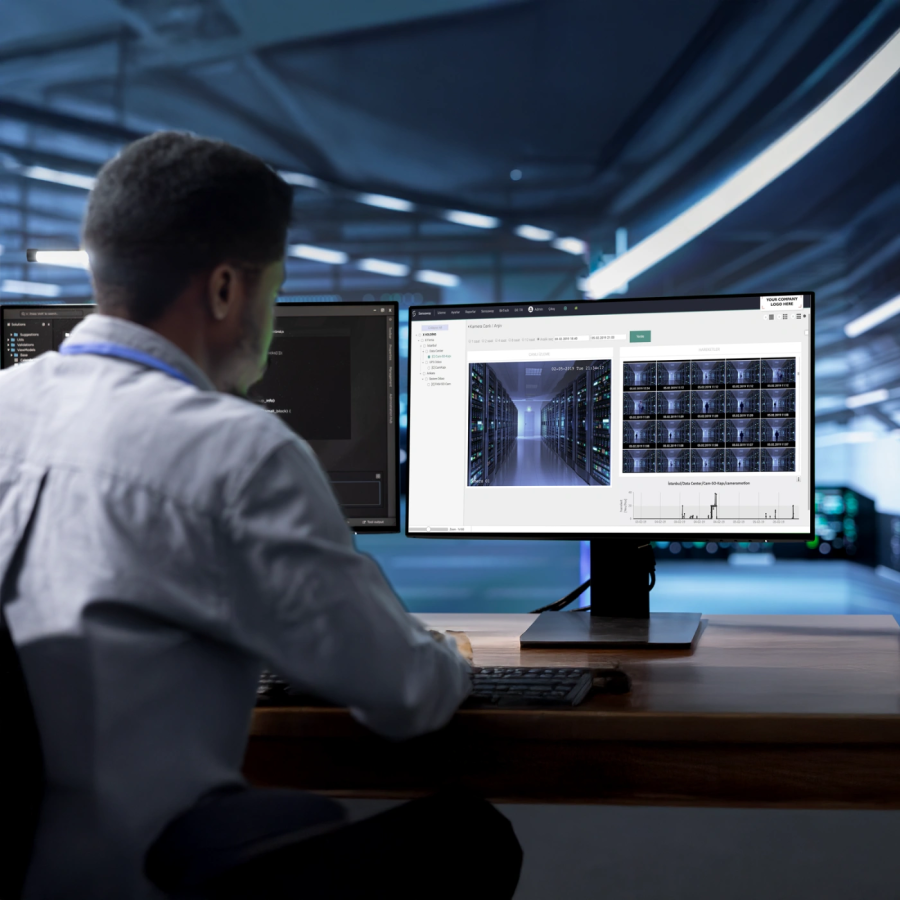
A working access control system has three layers. Lock and verification hardware sits at the door. The control module mounts in the rack, drives the locks and holds the authorization list in its own memory. Sensaway central management software gathers users, permissions and records on one screen.
The CL-1000 cabinet lock interface sits between them. It carries the connection between cabinet door locks and control modules, and supplies power to the locks over long distances where the supply falls short. One unit per cabinet is recommended.
How Do You Size a Cabinet Lock Control Module?
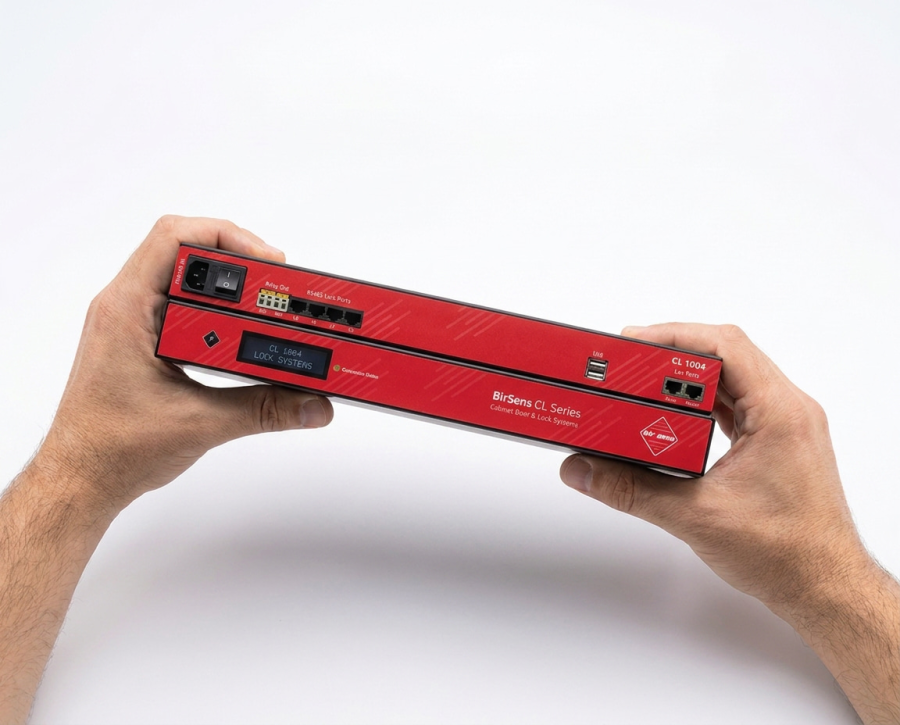
One number drives the choice: how many locks connect to the same module. CL series control modules are 1U rack mounted and differ by lock port count.
CL-1004, CL-1008 and CL-1016 Compared
Lock port count does not equal cabinet count. A cabinet whose front and rear doors are managed separately consumes two ports. A row of eight cabinets with both doors locked calls for the CL-1016 cabinet lock control module.
S Models for Cabinets That Also Need Environmental Monitoring
CL-1004S, CL-1008S and CL-1016S carry the same lock port count and add 3 RJ45 sensor ports. Temperature, humidity, air quality and water leak sensors connect to those ports.
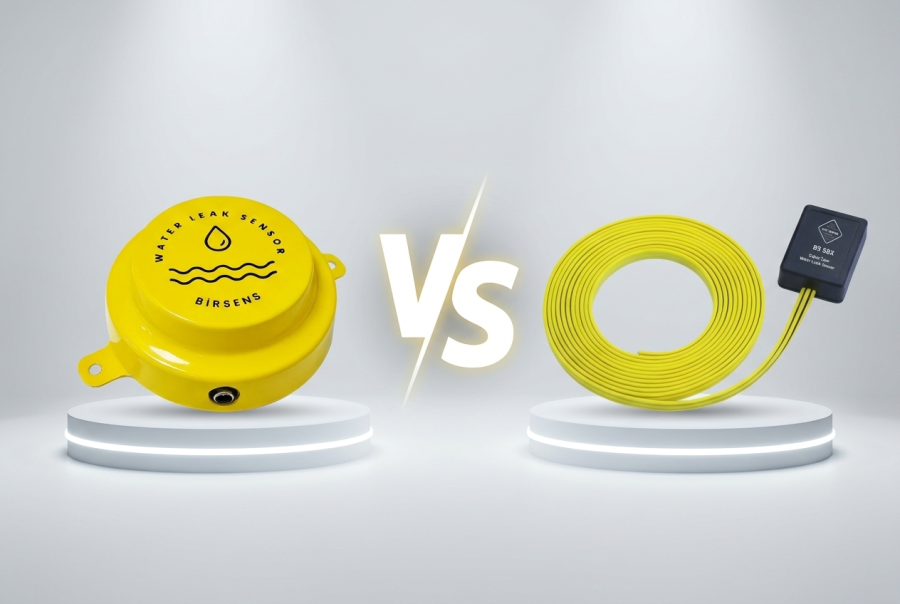
Where in-cabinet temperature is also tracked, the CL-1008S cabinet lock and environment monitoring module does both jobs in one device and frees rack space. For the scope of in-cabinet measurement, the 5 critical sensor types for a system room article gives a starting point.
Shared Electrical and Network Values
Authorization Methods: Card, PIN and Biometric Verification
The verification method is chosen at the lock. CL series solutions offer two options: keypad and Mifare card.
Mifare Card and Keypad
A card identifies a person through a portable credential and is revoked centrally when lost. A keypad needs no extra hardware and suits short-term teams that carry no card. Both methods mix inside the same hall.
Noctua widens the verification set: fingerprint, card, keypad and other biometric methods restrict cabinet door access to authorized users. Permissions are managed at scale by matching device users with software users.
Separate Authorization for Front and Rear Doors
The front face of a rack holds server panels, the rear face holds cabling and the PDU. Two faces belong to two teams. CL series solutions manage front and rear doors separately or together.
Granting the cabling team rear-door access only closes the risk of touching the wrong server at hardware level.
Where an RFID Cabinet Lock and a Magnetic Lock Belong
An RFID cabinet lock moves card verification into the lock body and mounts directly on the rack door. Single-door cabinets take the cabinet single door RFID smart lock. Where front and rear doors need separate card verification, the cabinet double door RFID smart lock applies.
A magnetic lock works at the room and corridor door instead of the cabinet. It is installed as a magnetic lock and door button accessory set together with the exit button and mounting parts. With both layers running, room entry and cabinet entry are logged separately.
What Does a Door Sensor Add to the Access Record?
The lock knows the door was authorized to open. The cabinet door sensor reports whether it actually opened and how long it stayed open. Collected separately, the two data points expose a forced-entry attempt.
BS-1011 Cabinet Door Sensor Values
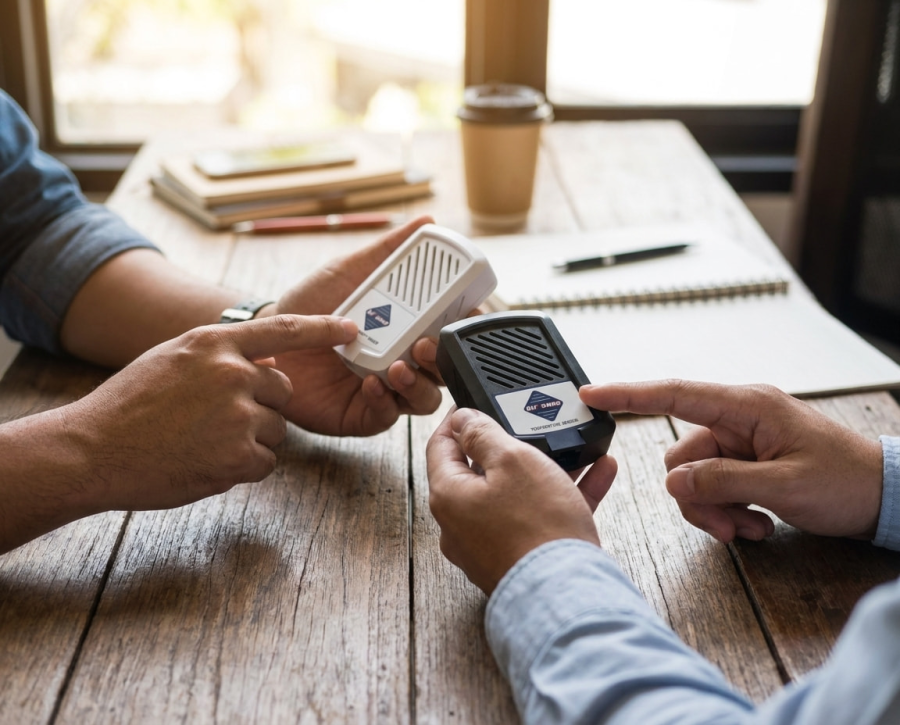
The BS-1011 cabinet door sensor ships with its mounting bracket and a 1 metre dedicated cable, and is recommended for rack cabinet doors.
Lock Handle Position and Door State Are Separate Signals
The Sensaway screen shows live door open/closed state alongside lock handle positions. A cabinet reporting an open handle with a closed door was left half secured and needs attention.
For the layer outside the cabinet, the server room physical security and motion sensor article covers motion detection.
Access Log and Reporting
An access log is the record that makes authorization auditable. Every access is stored by time, person and permission. The control module keeps user permissions and event logs in its own memory and communicates with Sensaway over the network connection.
Which Questions Does the Report Answer?
Historical reports pulled from Sensaway close three questions: who opened the cabinet, by which method, and how long it stayed open. User operations such as adding, moving and deleting are managed from the same screen.
The physical entry control clauses in the ISO/IEC 27001 annex ask for proof through records rather than a stated policy. This report is the evidence requested during an audit.
Out-of-Hours Entry and Vandalism Alerts
Entries outside defined working hours and vandalism attempts raise a notification. Notification channels are defined in the software and distributed over e-mail and SMS.
Within permission limits, a cabinet door can also be released remotely from the Sensaway web or mobile application. Remote release shortens response time in unstaffed data center infrastructure sites.
Network Security and Outage Behaviour
Because cabinet lock control is managed over the network, the control module is itself an attack surface.
Password Protection, IP Filtering and AES-128
CL series modules are protected by password protection, IP address filtering and AES-128 encrypted communication. IP filtering restricts the module to addresses on the management network. AES-128 encryption keeps permission and log traffic unreadable on the wire.
Master / Slave Links and Relay Outputs
Each module reserves 2 RJ45 LAN ports for Master / Slave connection. Relay outputs trigger equipment outside the lock system, with an audio-visual alarm module as the typical case.
Frequently Asked Questions
How many lock ports does cabinet lock control need?
Each managed door consumes one port. Eight cabinets with front and rear doors authorized separately need 16 ports, which maps to the CL-1016 model.
Can a cabinet be opened when the network link drops?
The control module holds user permissions and event logs in its own memory. Card or PIN verification runs on the module, and the software link is needed to carry records to the centre.
What is the difference between a magnetic lock and an RFID cabinet lock?
A magnetic lock secures the room or corridor door and is installed with a door button and accessory set. An RFID cabinet lock mounts on the rack door and verifies cards at cabinet level.
Can sensors connect to the same module?
CL-1004S, CL-1008S and CL-1016S models carry 3 RJ45 sensor ports. Temperature, humidity, air quality and water leak sensors connect there.
How far back does the access record go?
Retention depends on the Sensaway storage setting. Reports are filtered by time, person and permission.
Pre-Installation Checklist
- Decided whether authorization is per cabinet or per door
- Doubled the port count where front and rear doors are managed separately
- Selected the verification method: Mifare card, keypad or biometric
- Planned one CL-1000 cabinet lock interface per cabinet
- Verified lock supply (12 V DC / 3 A) across long cable runs
- Chose S models where in-cabinet environmental monitoring is required
- Planned door sensor inputs separately from lock handle position
- Placed the module on the management network and defined the IP filter list
- Written the working-hours and out-of-hours notification rules
- Compared the access report format against the audit requirement
This structure came out of a recurring audit finding in colocation halls: room entry is logged while the person who opened the cabinet door cannot be evidenced. Pushing authorization down to cabinet and door level closes that finding in hardware. Port counts, electrical values and contact specifications in this article come from the Birtech CL-1004, CL-1008, CL-1016, CL-1004S and BS-1011 datasheets. The physical security framing follows EN 50600-2-5 and the physical entry control clauses of the ISO/IEC 27001 annex.